CAM built around AI, with you in charge
CNC software that runs in your browser. Draw it or bring it in, say what you need, check every move, cut.
One minute. Free while we build it together. No account.
- Routers, lasers, waterjets, stone saws
- Windows, Mac, Linux, Android, iPhone
- Works offline
- Your files stay with you
Three steps
- Bring it inDrop a DXF, SVG, PDF, picture or 3D part, or draw it.
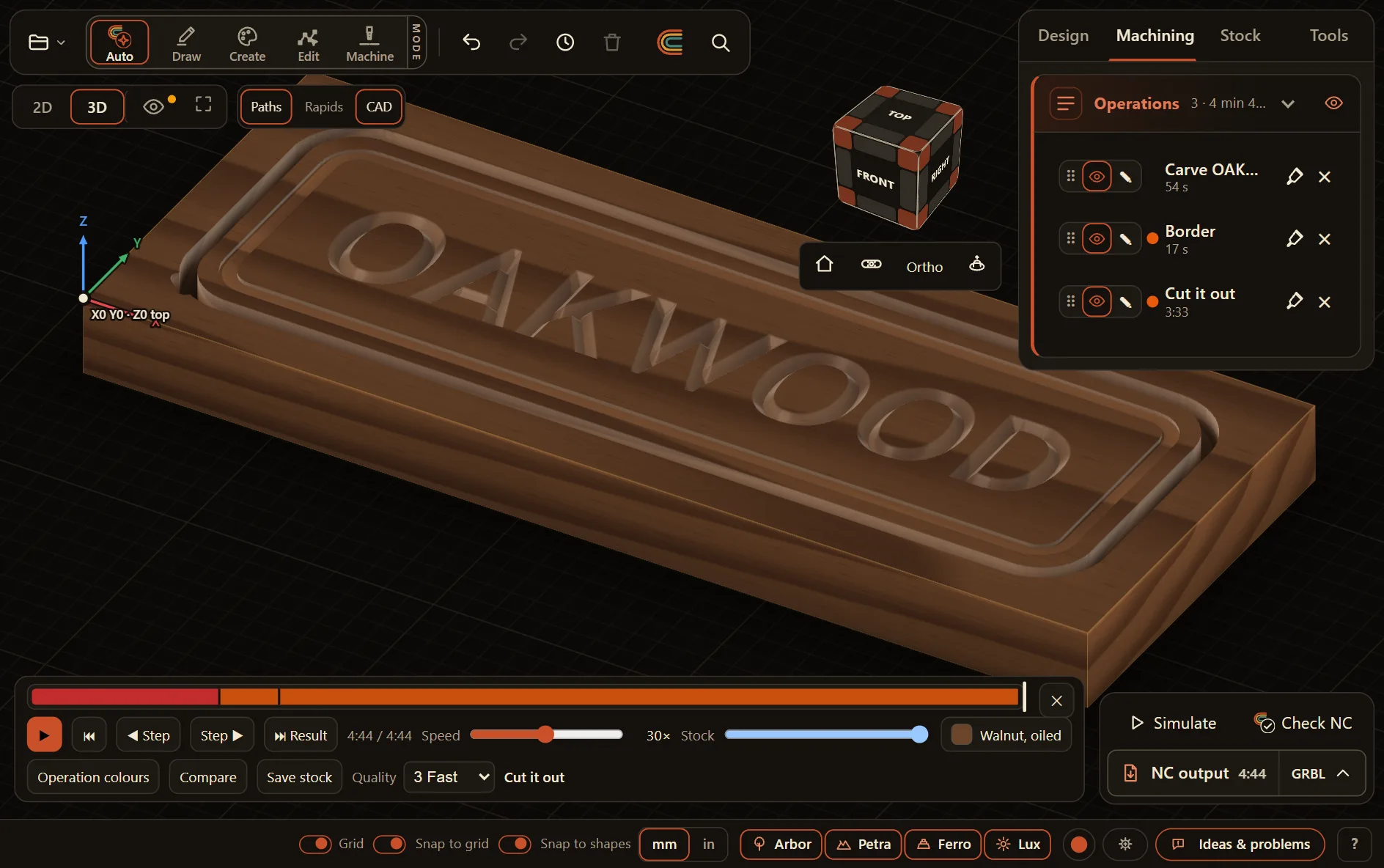
- See it cutRift proposes the work. You change anything and watch the real cutter remove your material.
- Run itSave the program for GRBL, Mach3, LinuxCNC, Fanuc, Marlin, or a post made for your machine.
It finds the work
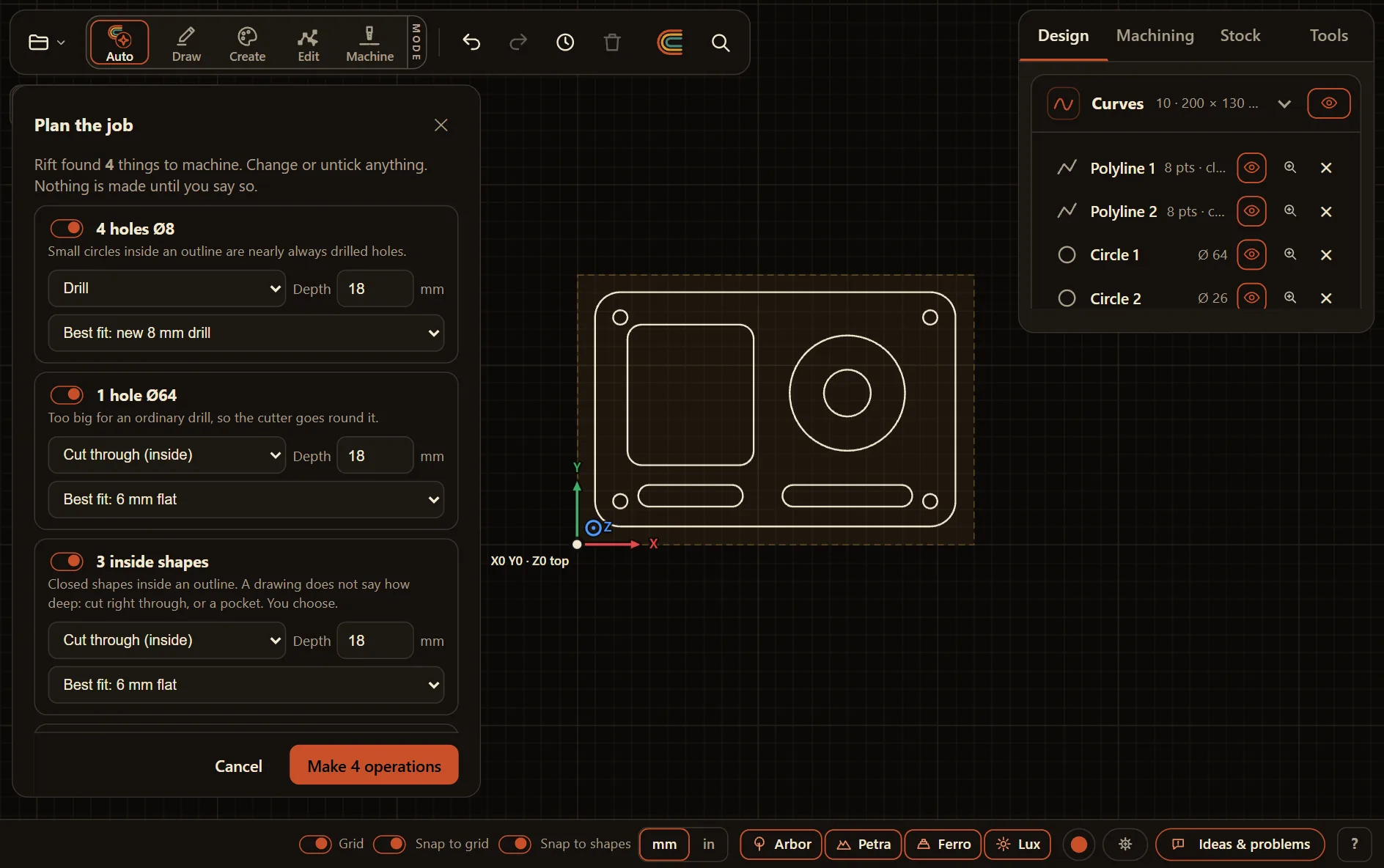
Holes, pockets, steps and outlines, from drawings, solids and meshes. Each with a way to cut it, a depth and a cutter that fits. Untick what you do not want; nothing is made until you say so.
Just say it
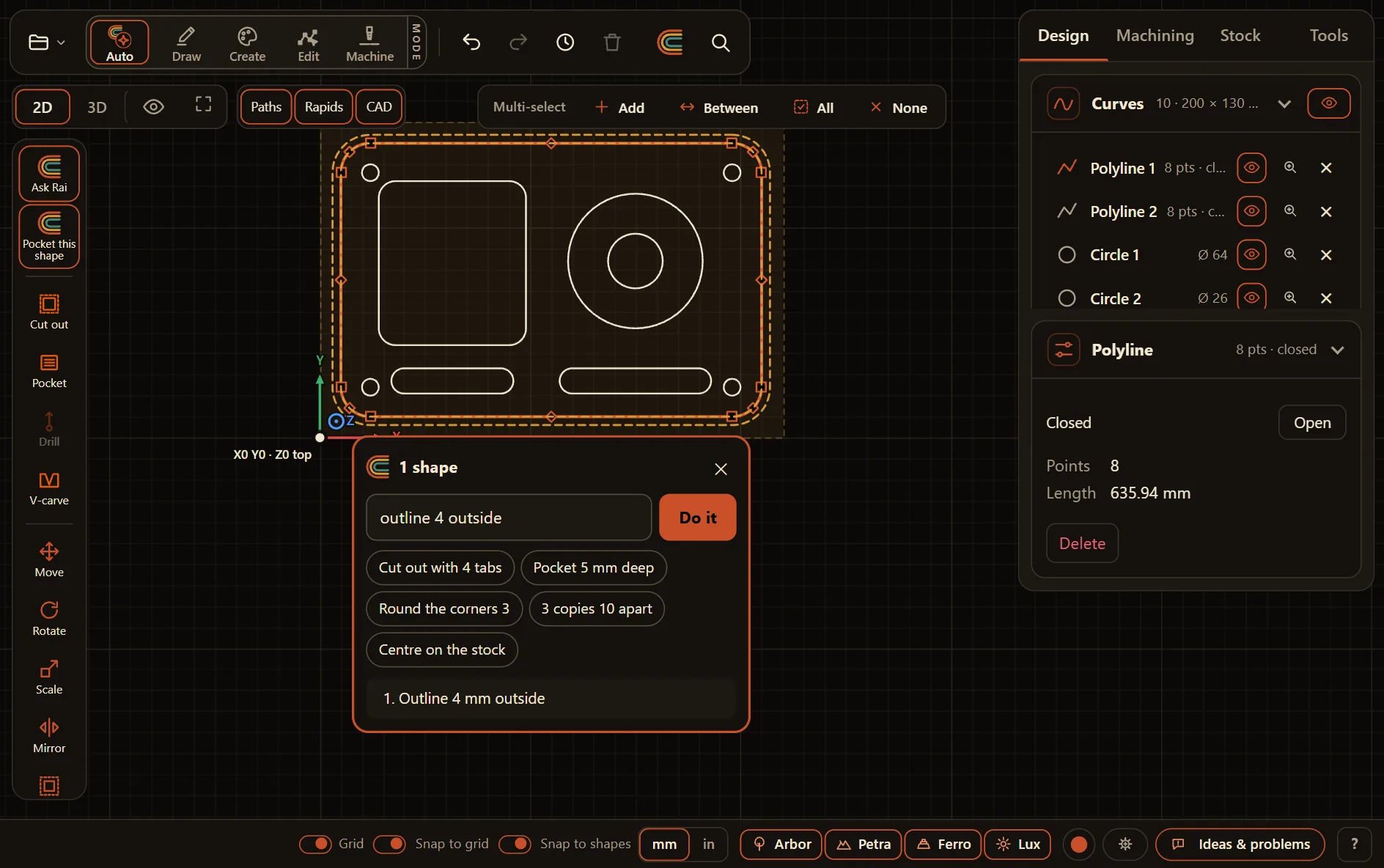
“Round the corners 10.” “3 copies 20 apart.” “Pocket 5 mm deep.” The change is drawn as you type, before anything happens. One Undo takes it back. Everyday requests need no internet and no AI account.
See the finished piece
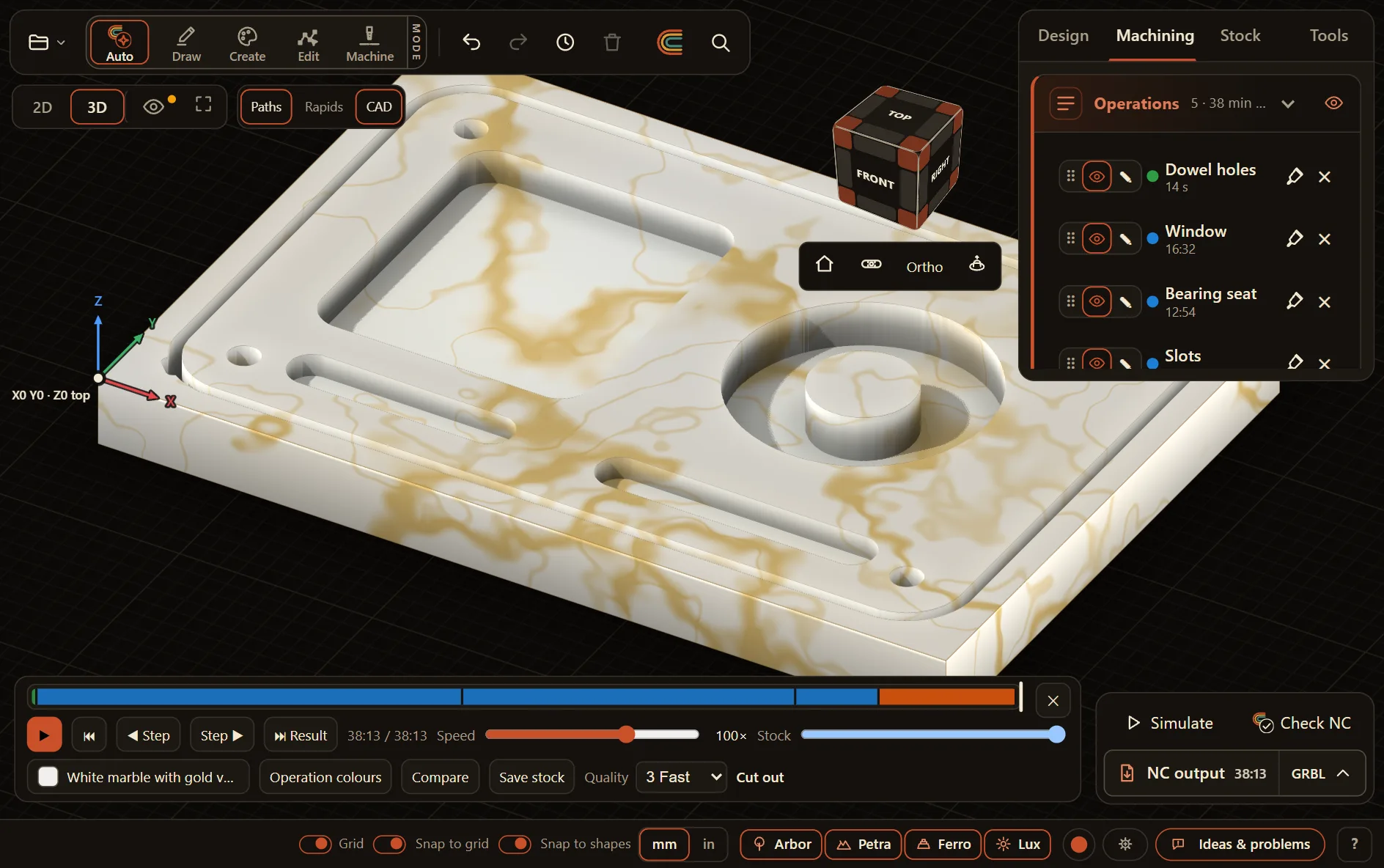
The result in your own material: walnut, marble, brass, or a photo of your board. Depths, cut times and warnings before you touch the machine.
Fill the sheet
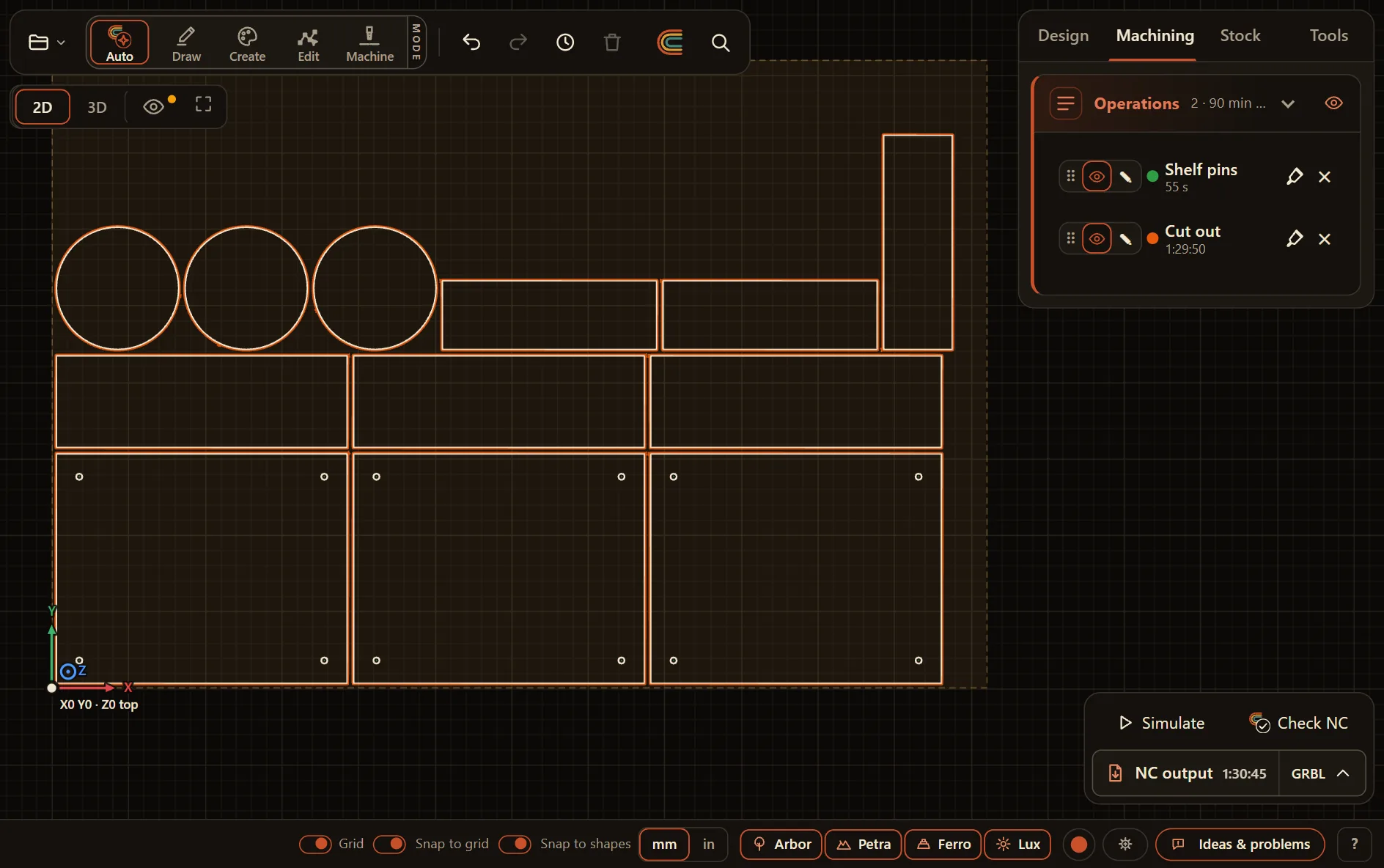
Nest parts with little waste, keep the grain in line, and print the sheet layout, cut list and labels. Toolpaths move with their parts.
You decide
Rai suggests. You see it first, change it, undo it. What you make is yours.
It stays private
No account, no tracking, no cookies. Drawings and programs never leave your device unless you send them.
Runs on what you have
Old PCs and cheap phones too. Millimetres or inches, mouse, touch or typed sizes.
Install it anywhere
One Rift for every device. It gets its own icon and opens without the internet.
- Windows, Mac, Linux, ChromebookOpen Rift in Chrome or Edge and press Install. On a Mac, Safari’s File, Add to Dock works too.
- AndroidOpen Rift, browser menu, Install app.
- iPhone and iPadOpen Rift in Safari, Share, Add to Home Screen.
How to
Questions
Is it really free?
Yes. Free while we build it together, with no account and no card.
Where are my files?
On your device. Rift has no place to upload them to. Save .rift files wherever you like and move them between devices yourself.
Will it work with my machine?
If it reads G-code, almost certainly. Choose a ready post, or give Rift a program your machine already likes and it makes one to match.
Do I need to know CAM?
No. Make your first part takes about a minute and shows each step as it goes.
Is it safe to run what it makes?
Rift simulates and checks every program, but it cannot see your machine, clamps or cutter. Simulate first, try it in the air, and stay with the machine. Safety.
Help shape it
Rift is early. Tell us what breaks and what is missing: testers get it for £5 a month later, instead of the planned £10.